Add Backup Gateway
1) Log in to the database backup service console
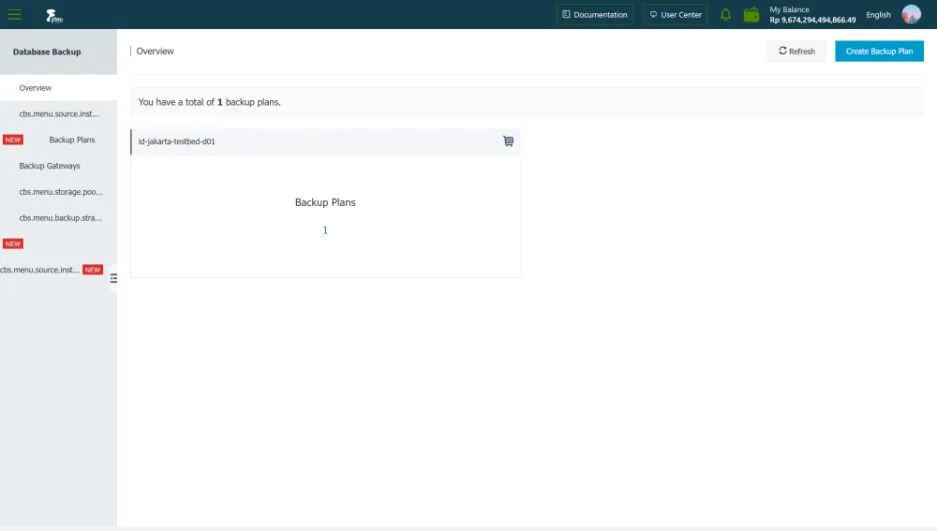 2) In the left navigation bar, click Backup Gateway.
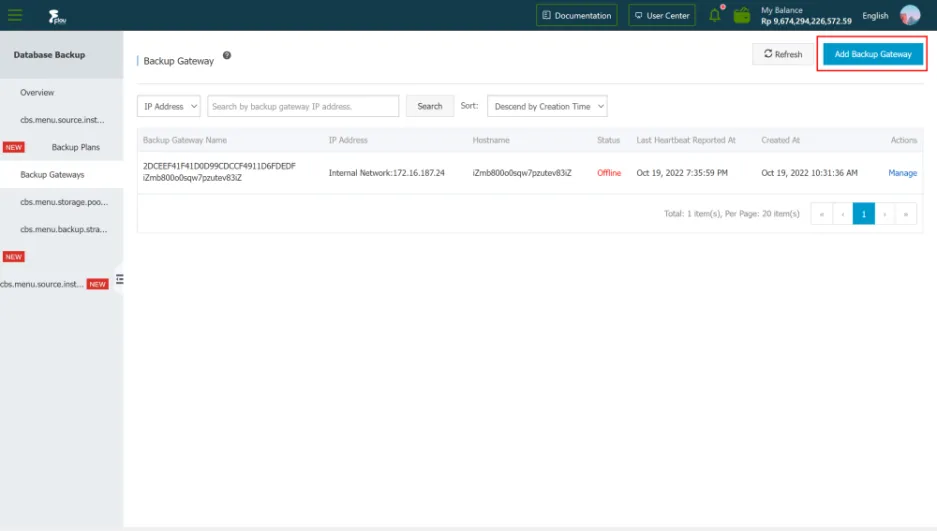
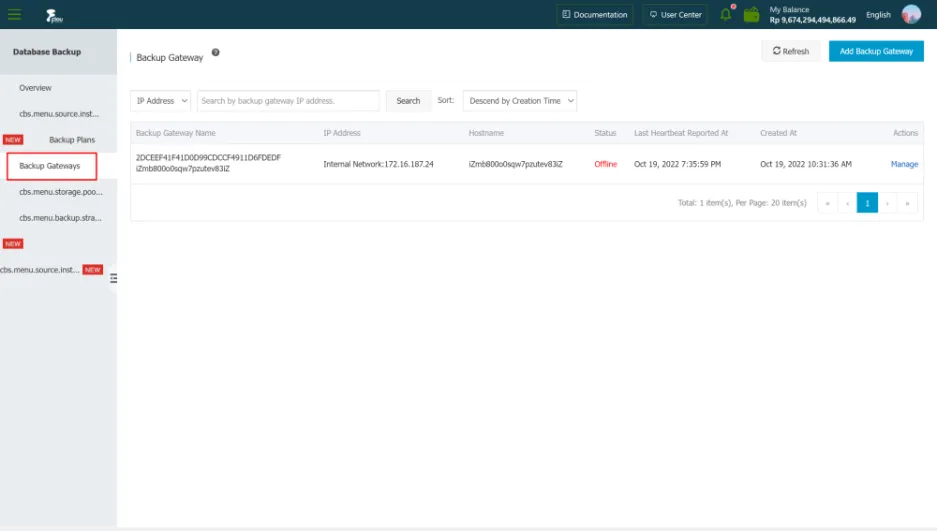 3) On the Backup Gateway page, click Add Backup Gateway in the upper right corner.
 4) Copy the backup gateway installation command, run the installation command on the database server, and the system will automatically download the installation package, install and run the backup gateway.
 5) Go back to the DBS console, on the Add Backup Gateway page, click Finish Installation.
6) On the Backup Gateway page, view the newly installed Backup Gateway.
5) Go back to the DBS console, on the Add Backup Gateway page, click Finish Installation.
6) On the Backup Gateway page, view the newly installed Backup Gateway.